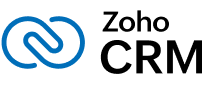



Simplify app development with a visual interface for designing forms, automating workflows, and building interactive dashboards. Streamline processes, enhance productivity, and create scalable applications without coding. Ideal for businesses seeking efficiency, it offers drag-and-drop tools, seamless integrations, and real-time analytics to transform ideas into functional solutions quickly and easily.


Provides ready-made app templates for diverse business needs, including inventory management, order tracking, and customer portals. Easily customizable and scalable, these templates simplify development, saving time and effort. Ideal for businesses seeking quick deployment, they support automation, seamless integrations, and real-time analytics to enhance productivity and streamline operations effectively.

Includes a proprietary scripting language designed for adding advanced business logic and automation. It enables custom workflows, calculations, and data processing, enhancing functionality without complex coding. Ideal for businesses needing tailored solutions, it supports seamless integration, scalability, and process optimization to streamline operations and improve overall efficiency.
Enables users to securely collect, store, and manage data using customizable forms and relational databases. It supports data organization, validation, and retrieval, ensuring accuracy and efficiency. Ideal for businesses, it offers scalability, seamless integrations, and advanced features to streamline workflows and enhance decision-making with structured data management solutions.


Automates repetitive tasks with triggers, actions, and custom workflows to enhance efficiency and productivity. Streamline processes like data entry, notifications, and approvals without manual intervention. Ideal for businesses, it simplifies operations, reduces errors, and saves time by enabling seamless automation of routine tasks through intuitive, customizable workflow designs.
Seamlessly integrates with Zoho products like CRM, Books, and Invoice, as well as third-party apps through APIs and Zapier. Enables smooth data flow, enhances functionality, and simplifies processes. Ideal for businesses seeking flexibility, it supports automation, real-time syncing, and efficient management across multiple platforms for improved productivity and scalability.
 3.png)
 2.png)

.png)




Apps built on Zoho Creator are seamlessly optimized for web, iOS, and Android platforms, ensuring cross-platform compatibility. They provide a responsive design, intuitive interfaces, and smooth performance. This flexibility allows businesses to deploy applications quickly, enhancing accessibility, user experience, and productivity across multiple devices without additional development efforts.


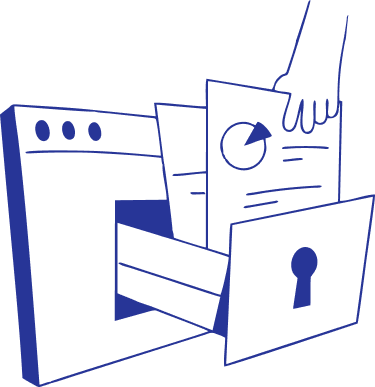
Zoho Creator ensures robust data security through advanced encryption, secure hosting, and regular backups. It complies with global data protection standards, including GDPR, safeguarding sensitive information. Features like role-based access, audit logs, and multi-factor authentication further enhance security, ensuring data privacy and regulatory compliance for businesses worldwide.
Enjoy full transparency and peace of mind on when and how your business data is being used. We offer comprehensive, enterprise-grade security controls that are trusted by over 13 million users around the world.
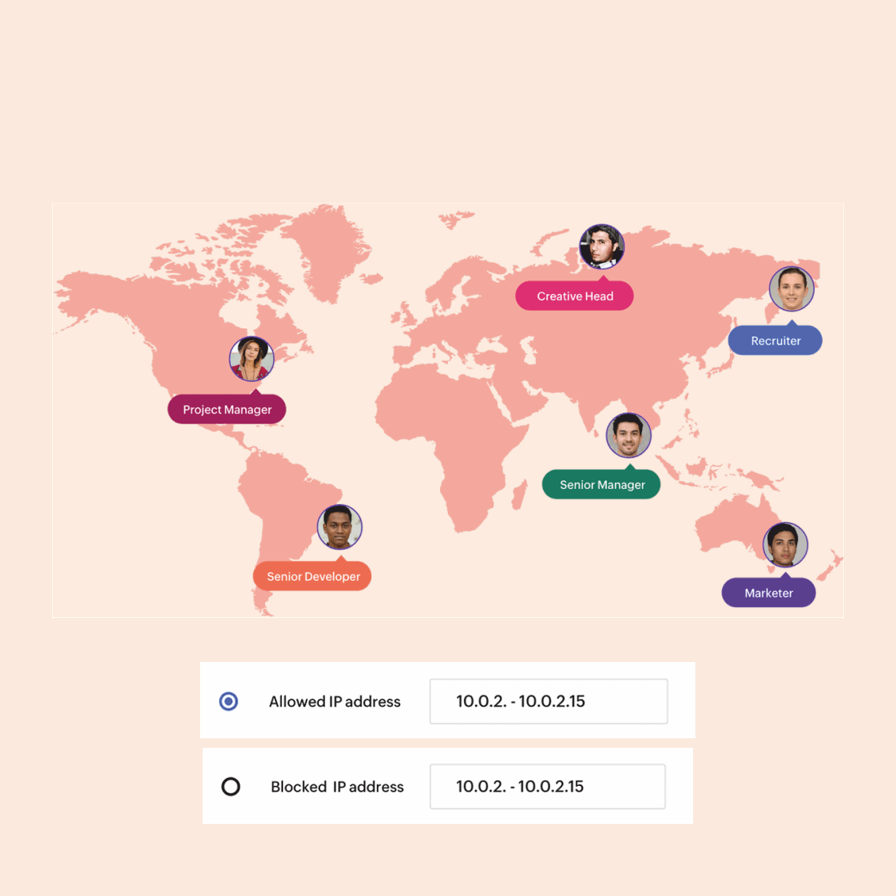
Have full control over user access, from how your colleagues and clients log in to your company’s account to what they can see and do in your apps. Effectively manage a large-scale organization across all departments and geographic locations with SAML and Active Directory.
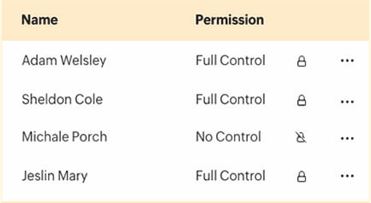

Perfect for small businesses managing customer orders and inventory, it streamlines order processing, tracks stock levels, and automates updates. With customizable features, real-time reporting, and seamless integrations, it boosts efficiency, reduces errors, and ensures smooth operations, enabling businesses to focus on growth and customer satisfaction.
.png)
HR departments are automating recruitment and onboarding with AI tools for resume screening, interview scheduling, and assessments. Automated systems streamline document verification, training, and compliance, reducing manual tasks, improving accuracy, and providing a seamless experience for candidates and new hires.
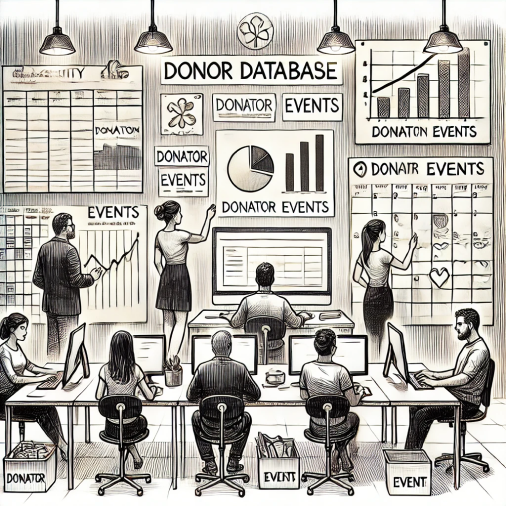
Nonprofits leverage automation to manage donor databases and plan events effectively. They track contributions, schedule activities, and streamline communication, ensuring timely follow-ups and personalized engagement. This approach strengthens donor relationships, enhances outreach efforts, and boosts fundraising success while saving time and resources.
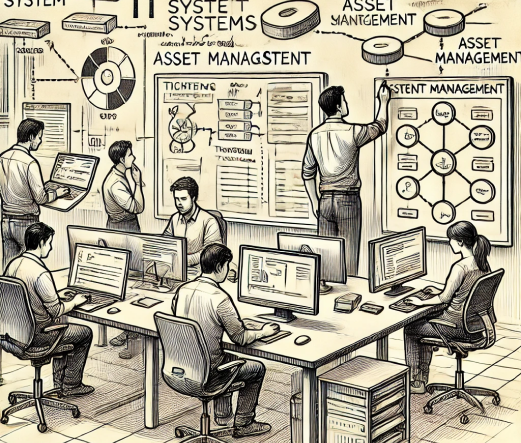
IT teams develop ticketing and asset management systems to streamline issue tracking and resource management. These systems automate ticket assignments, monitor resolutions, and track hardware and software assets. This approach improves efficiency, reduces downtime, ensures compliance, and enhances overall IT service delivery and support.